
← All projects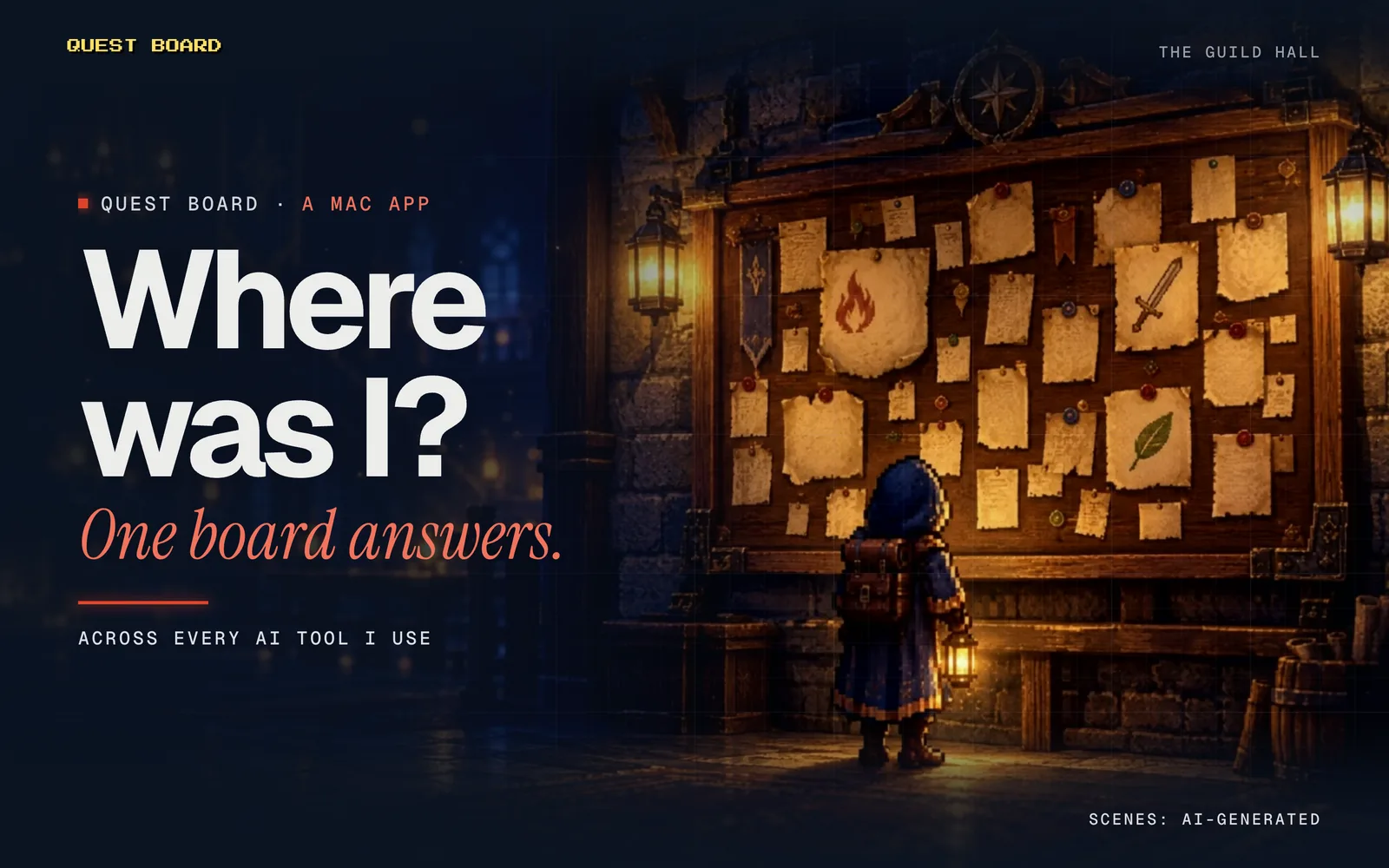
How it works. Quests are dummy and the screens illustrated; the painted scenes are AI-generated. 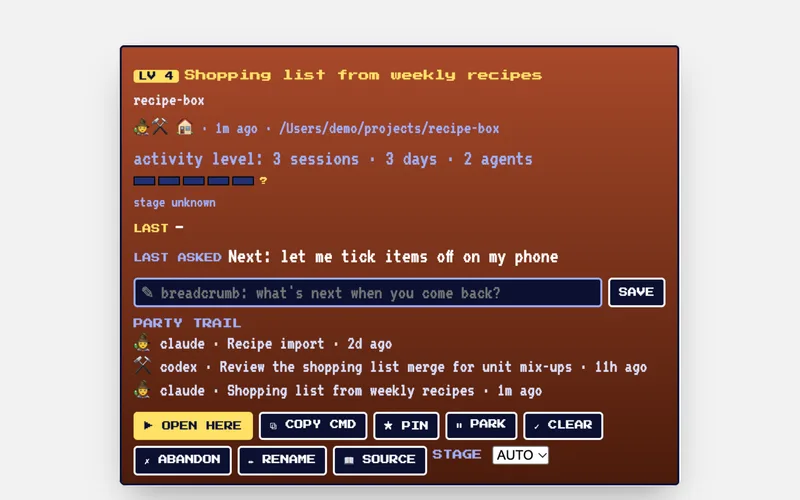
A quest's detail panel. Fictional demo data.
Project 06 / 06 · Oct 2026 · Mac app
Quest Board
A “where was I?” board that turns scattered AI conversations into quests I can pick up again.
How it works
- 01
It reads the history from every AI tool I use, right on my Mac.
- 02
It groups the work into quests, one per project, with what happened last.
- 03
One button takes me back to where I left off.
Why I built it
Coming back to a project meant digging through five apps to find the right conversation. I wanted the answer to “what was I doing?” on one screen.
What I learned
- Plan first and write the tests first, and a team of AI agents can build a working first version overnight.
- A fresh reviewer at the end catches what step-by-step checks miss.
- The retro game look isn’t just for fun: a quest log is a good shape for unfinished work.

Built with: Python · SQLite · A local AI model · Claude Code · Codex